

glossary
Unity Ads Specs
Technical requirements for playable ads and video ads on Unity Ads network. Get these wrong and your ad gets rejected. Get them right and you’re live in days. 01. Playable Ad Specifications | Requirement | Specification | |————-|—————| | Format | Single `index.html` file (no external links) | | File Size | Under 5 MB […]
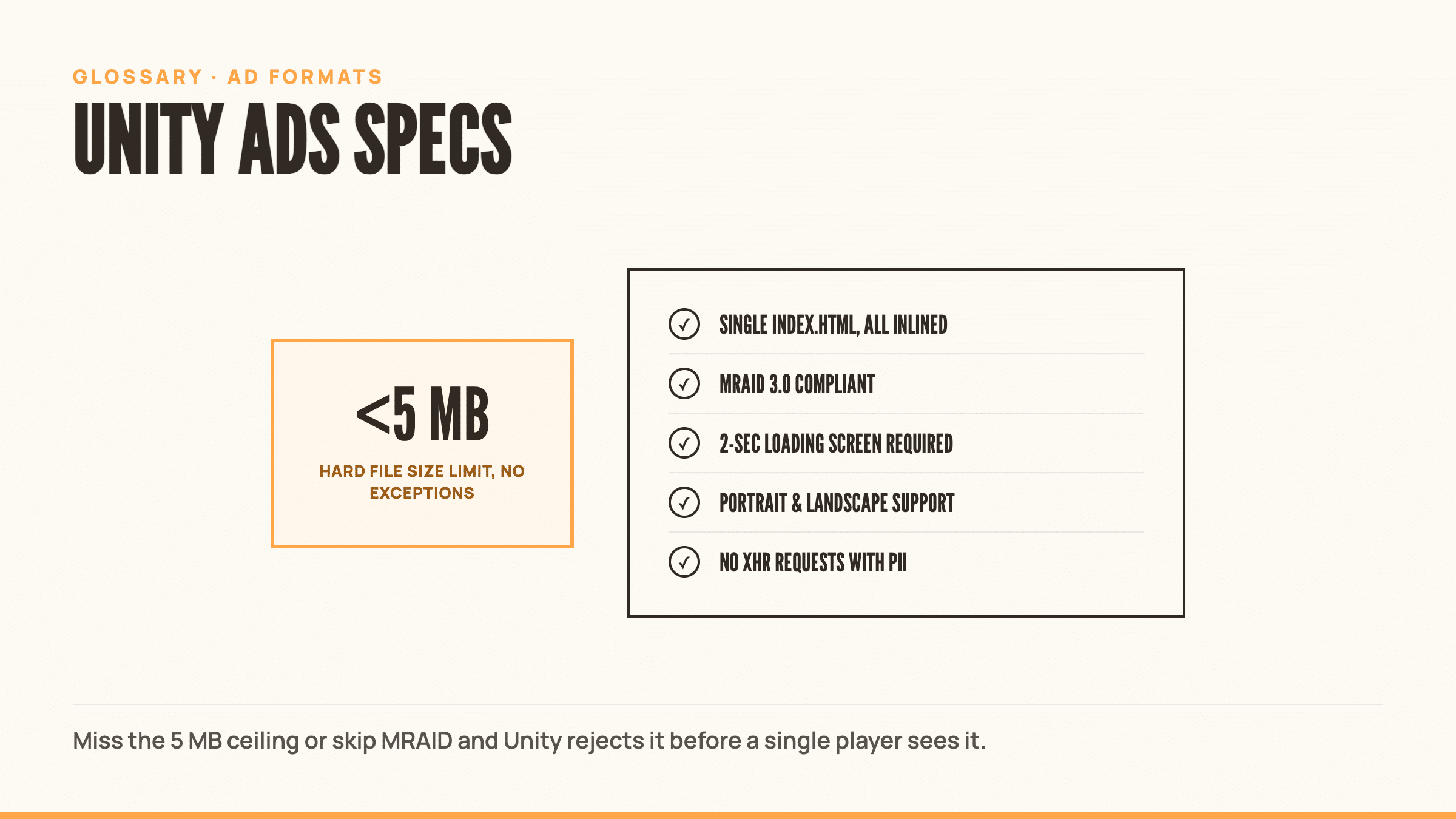
Technical requirements for Unity playable ads (see playable ads) and video ads on the Unity Ads network. Get these wrong and your ad gets rejected. Get them right and you’re live in days.
Playable Ad Specifications
| Requirement | Specification | |————-|—————| | Format | Single index.html file (no external links) | | File Size | Under 5 MB (hard limit) | | Optimization | Inlined and minified | | Assets | All inlined within HTML | | MRAID | 3.0 compliant (IAB MRAID 3.0 spec) | | Loading Screen | 2-second minimum overlay at start | | Orientation | Support both portrait and landscape | | Network | No XHR requests (analytics OK if no PII) | | CTAs | Use mraid.open() for app store links |
Platform Requirements
| Platform | Minimum Version | |———-|—————–| | Android | 4.4+ | | iOS | 9.0+ |
MRAID Compliance
Unity Ads injects MRAID into the webview. Your playable must:
- Wait for
viewableChangeevent before starting content - Use
mraid.open()for all app store redirects - Never auto-redirect without user action
- Comply with MRAID 3.0 specifications
No MRAID compliance = instant rejection.
Video Ad Specifications
| Type | Size | |——|——| | Recommended | 10 MB | | Maximum | 100 MB |
Common Rejection Reasons
Your ad will get rejected if it:
- Exceeds 5 MB file size
- Links to external resources or folders
- Makes XHR network requests
- Auto-redirects without user interaction
- Blocks Unity’s close button or UI elements
- Fails MRAID compliance checks
Unity Ads SDK controls skippability. Don’t try to override it.
Related Terms
- MRAID
- Playable Ads
- Ad Network Specs
- Creative Specifications
External Resources
- Unity Ads Playable Specifications (Official Unity docs)
- LunaLabs Unity Ads Guide (Developer implementation guide)
Frequently Asked Questions
What are the requirements for Unity Ads?
Playables must be a single index.html file under 5 MB, fully inlined, and MRAID 3.0 compliant. Videos max out at 100 MB, with 10 MB recommended for faster load.
Can I split my playable into multiple files?
No. Single index.html file only. All assets, images, scripts, and styles must be inlined within that one file.
What happens if my playable is at 5.1 MB?
Rejected. Under 5 MB is a hard limit on Unity Ads. Optimize images, minify code, and inline everything to get under the cap.
Do I need to implement MRAID myself?
No. Unity injects MRAID into the webview. You just need to wait for the viewableChange event before starting content and use mraid.open() for app store CTAs.